
IDE3 - ¿Cómo transferir una boleta comprada por TuBoleta Colombia?
Author
Miguel Angel Calvache Giraldo
Date Published
Si vendiste una boleta en Enntra y está en TuBoleta, deberás transferirla correctamente al comprador dentro de la plataforma oficial.
Importante antes de transferir
Antes de comenzar, debes verificar si tus boletas son transferibles.
Puedes hacerlo desde:
-> La aplicación TuBoleta Pass, si las boletas ya están cargadas y te permite transferirlas.
-> Tu orden de compra en TuBoleta te cobró un fee extra para bajar las boletas a TuBoleta Pass.
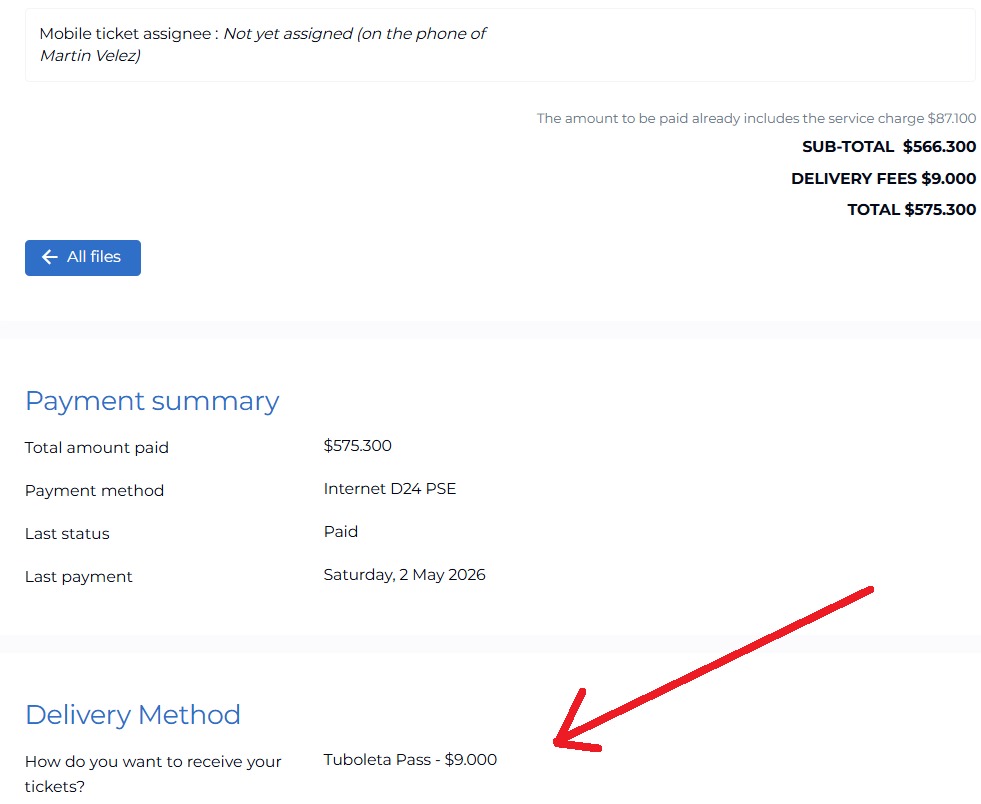
👉 Ten en cuenta los siguientes escenarios:
Las boletas aún no aparecen en TuBoleta Pass:
-> Esto es normal en algunos eventos. Debes esperar a que el organizador las emita para que puedan ser transferidas.
Las boletas no bajan automáticamente a la app:
-> En algunos casos, deberás acercarte a una sucursal de TuBoleta para gestionarlas de forma presencial.
Las boletas no son transferibles:
-> Algunos eventos no permiten transferencias, por lo que no será posible enviarlas a otra persona.
1. Ingresa a la aplicación móvil de TuBoleta Pass
-> Accede a tu cuenta en la plataforma de TuBoleta Pass
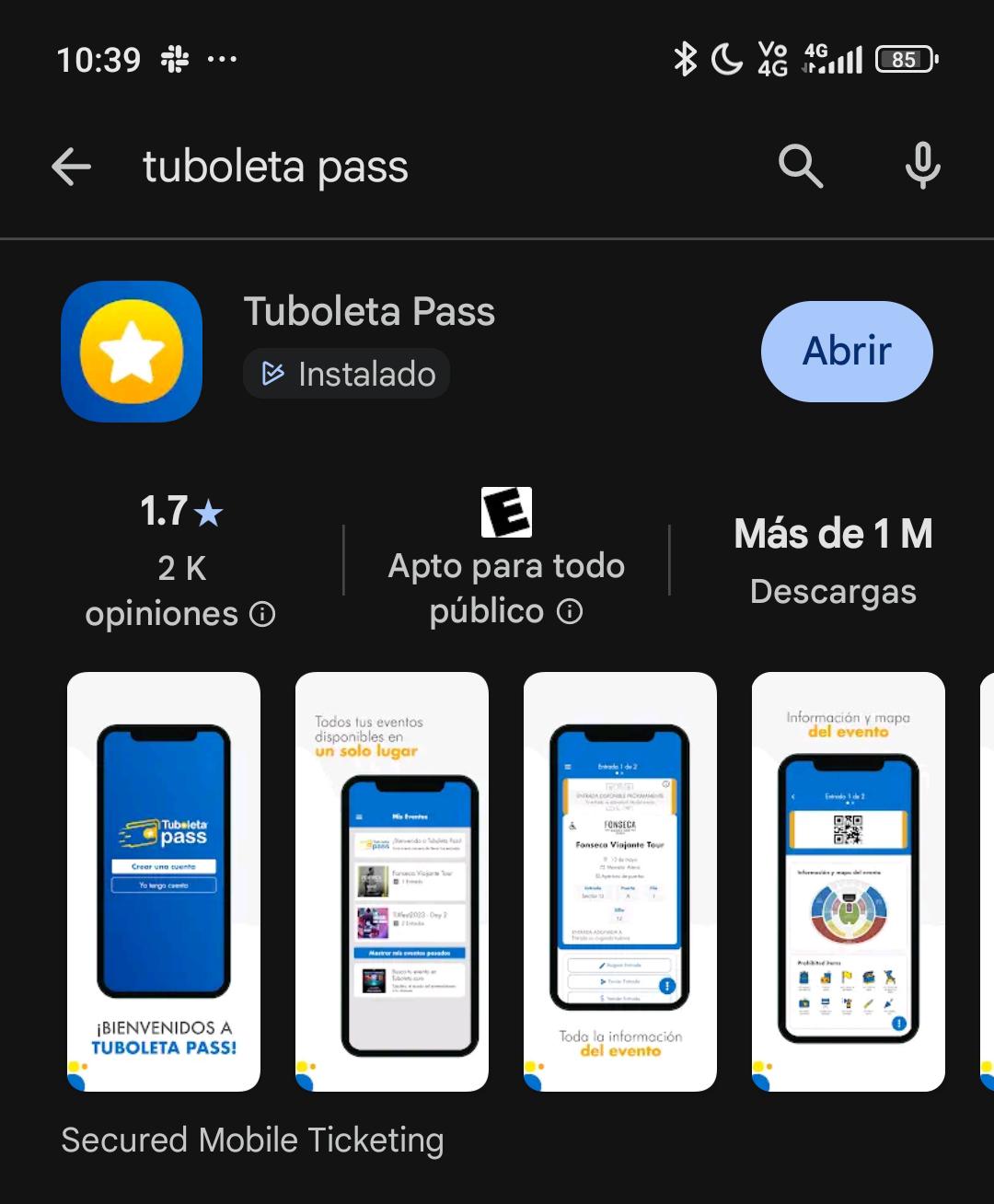
-> Inicia sesión con el correo con el que compraste las entradas
2. Busca tus boletas
-> Dirígete a la sección de “Mis entradas”
-> Selecciona el evento y ticket correspondiente
3. Selecciona la opción de transferencia
-> Ubica la opción de “Transferir”
-> Selecciona la(s) boleta(s) que deseas enviar
4. Ingresa los datos del comprador
-> Escribe el correo electrónico que te indicamos desde Enntra
-> Verifica muy bien que esté correctamente escrito
⚠️ Importante: Un error en el correo puede hacer que la boleta se envíe a otra persona y no sea recuperable.
5. Registra evidencia del envío
Para completar el proceso en Enntra, graba un video donde se vea:
-> La boleta antes de enviarla
-> El correo ingresado
-> La confirmación de transferencia
👉 Esto es necesario para validar la entrega
6. Espera a que el comprador confirme la transferencia
Una vez completado:
-> La boleta saldrá de tu cuenta
-> El comprador la recibirá en su cuenta de TuBoleta
Problemas comunes
No aparece la opción de transferir y las boletas en tu cuenta de TuBoleta Pass:
-> Puede que la tiquetera aún no las haya habilitado
Error en el correo:
-> Verifica antes de enviar, ya que no siempre se puede revertir
Demora en la recepción:
-> Puede tardar unos minutos dependiendo del comprador, cuidado con cancelar la transferencia por error, o la boleta no será enviada.
No te permite tomar pantallazos o grabar la pantalla con el mismo dispositivo:
-> En la app de TuBoleta Pass no permite grabar la pantalla por lo que deberas hacerlo con otro dispositivo.
Nuestro acompañamiento
Si tienes dudas durante el proceso:
-> Te guiamos paso a paso
-> Validamos contigo antes de enviar
-> Te ayudamos a evitar errores
💡 Recomendación: Nunca transfieras la boleta sin confirmación previa de Enntra.

Enntra solo opera con plataformas oficiales. Descubre cómo funciona la transferencia en cada una y por qué solo trabajamos con tiqueteras verificadas.
Aprende a aceptar correctamente una transferencia de boleta en TuBoleta Pass: cuándo llega y cómo aceptarla en la app.